12,000+ Products In Stock
 Fast Shipping Across Canada
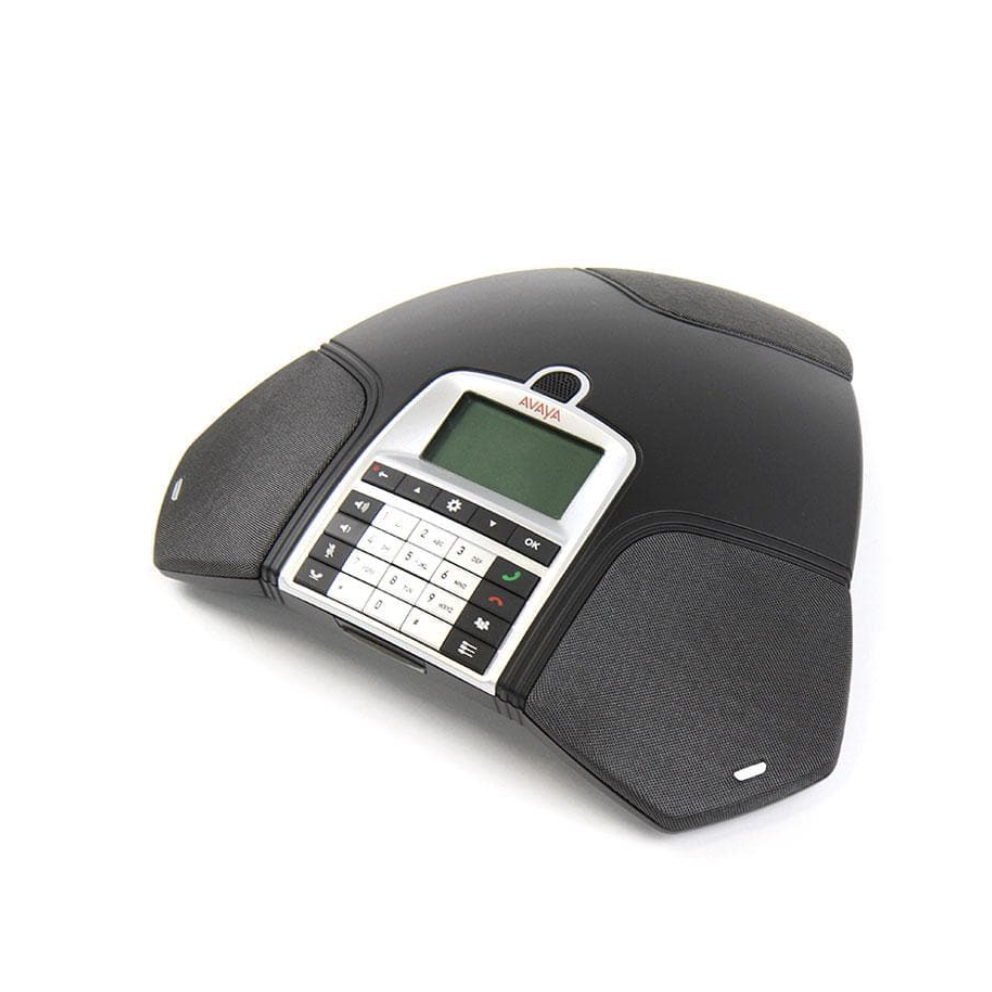
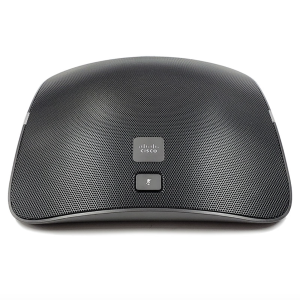
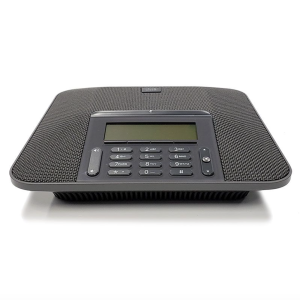
Avaya B159 Conference Phone (700501530)
The Avaya B159 Conference Phone is a professional, feature‑rich conferencing solution designed for small to mid‑sized meeting rooms. Powered by OmniSound 2.0 audio technology, it delivers crystal‑clear, full‑duplex sound with wideband support via USB. The B159 includes a line mode selector, SD card recording, visual ringer light, and intuitive navigation keys. With optional expansion microphones and compatibility across Avaya platforms, it’s a versatile choice for business conferencing.
Features
- OmniSound 2.0 audio technology for clear, natural sound
- Built‑in conference guide for quick meeting setup
- Line mode selector for flexible connectivity
- Feature buttons: conference, hold, menu navigation, mute
- Visual ringer light for incoming call alerts
- SD memory card support for recording meetings
- Integrated phone book
- Omni‑directional 360° microphone
- Wall‑mountable design
- Includes Atlas 1‑Year Warranty (extended options available)
Specifications
- Wireless headset support
- OmniSound wideband audio via USB
- Upgradeable software
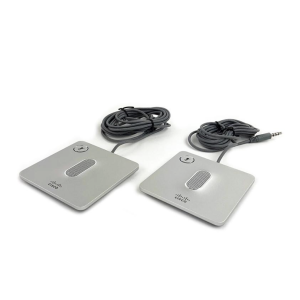
- Expansion microphones: optional
- Pickup range: up to 30 m
- Volume: 90 dB SPL at 0.5 m
- Frequency response: 200–3300 Hz
- USB frequency response: 200–7000 Hz
- Equalizer modes: Soft, Neutral, Bright
- Size: 240 mm diameter, 77 mm height
- Weight: 1 kg
- Color: Charcoal Black
- Display: 128×64 pixel LCD
- Multi‑language support
Compatibility
- Avaya IP Office Rls 7.0+
- Avaya Communication Manager Rls 5.0+
- Avaya Communication Server 1000 Rls 6.0+
- Avaya Aura Rls 6.0+
- For platform details, see the Avaya Compatibility Guide
Includes
- Avaya B159 Conference Phone
- Power cord
- USB cable
- 1‑Year Warranty (extended options available)
Equivalent Part Numbers
- Avaya B159
- 700501530
Documentation
Refer to the Avaya B159 Quick Reference for setup and usage instructions.