12,000+ Products In Stock
 Fast Shipping Across Canada
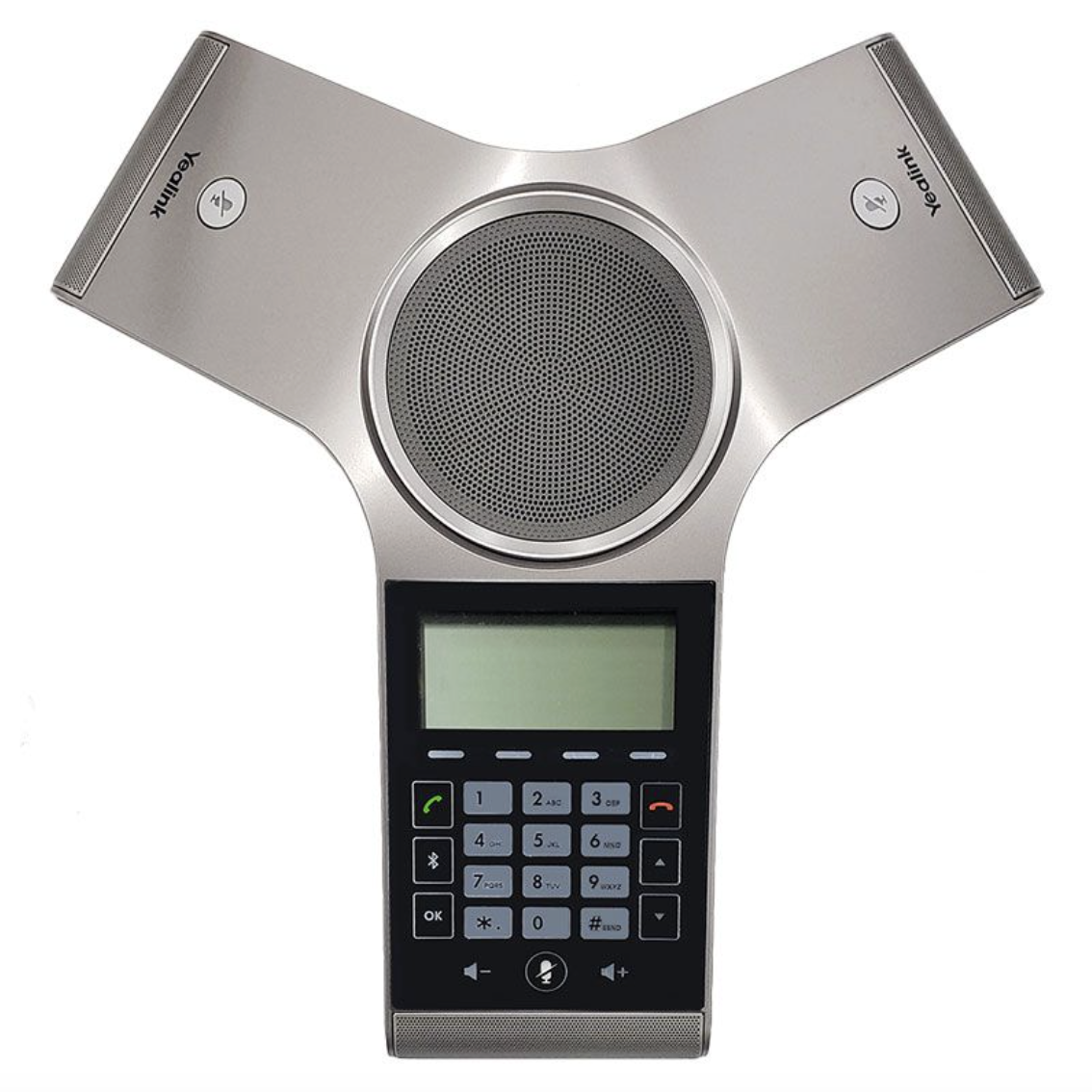
Yealink CP930W Wireless Conference Phone
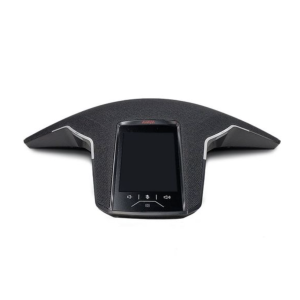
The Yealink CP930W is a fully wireless DECT‑IP conference phone designed for small to medium meeting rooms. When paired with the Yealink W60B or W70B DECT‑IP base station, it delivers HD audio, secure wireless connectivity, and up to 24 hours of talk time. With a sensitive touch keypad, Bluetooth pairing, 360° microphone pickup, and long wireless range, the CP930W provides flexible, cable‑free conferencing for modern workplaces.
Features
- 3.1‑inch 248 × 120‑pixel graphical LCD with backlight
- Sensitive touch keypad with 25 total keys
- Built‑in rechargeable battery
- Up to 24‑hour talk time and 15‑day standby time
- Less than 4‑hour charging time
- Wireless range: up to 50 m indoors, 300 m outdoors
- Optima HD Voice with full‑duplex audio
- Built‑in Bluetooth for smartphone pairing
- Micro‑USB port for tablet or PC connectivity
- 20‑ft (6‑m) and 360° microphone pickup range
- Supports 5‑way conference calling
- Over‑the‑air firmware upgrades
- Works seamlessly with SIP hosted platforms and IP PBX systems
Specifications
- Display: 3.1‑inch backlit LCD
- Audio: HD Voice, full‑duplex
- Connectivity: Bluetooth, Micro‑USB, DECT‑IP
- Coverage: 20‑ft (6‑m) radius
- Wireless range: 50 m indoors / 300 m outdoors
- Expansion: Requires Yealink W60B or W70B DECT‑IP base station
- Color: Charcoal Gray
- Form factor: Wireless tabletop design
Compatibility
- Requires Yealink W60B or W70B DECT‑IP Wireless Base Station
- SIP‑compatible hosted service providers
- SIP‑compatible IP PBX systems
- Compatibility varies by provider; confirm with hosted platform or PBX documentation
Includes
- Yealink CP930W conference phone
- Charging cradle
- Power supply
Equivalent Part Numbers
- Yealink CP930W
Documentation
Refer to the Yealink CP930W Quick Start Guide for setup and configuration instructions.