12,000+ Products In Stock
 Fast Shipping Across Canada
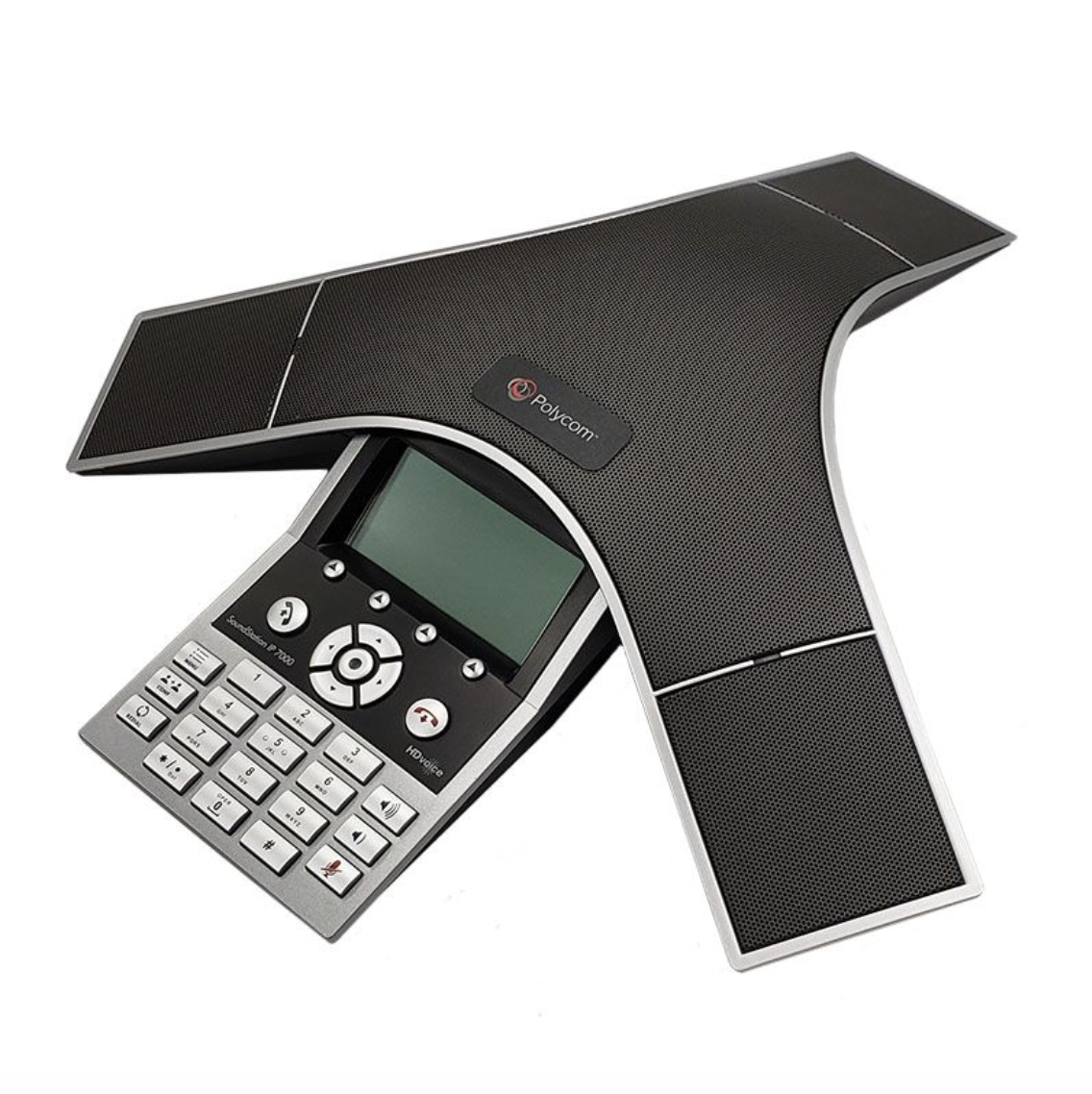
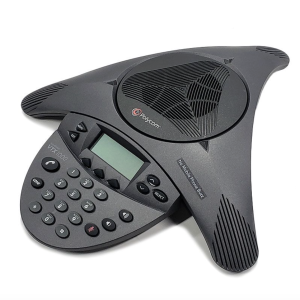
Polycom SoundStation IP 7000 Conference Phone PoE (2200‑40000‑001)
The Polycom SoundStation IP 7000 is a premium SIP‑based conference phone engineered for midsize and large meeting rooms, executive offices, and boardrooms. As Polycom’s most advanced conference phone, it delivers exceptional wideband audio using HD Voice, Acoustic Clarity Technology, and Automatic Gain Control. With multi‑unit connectivity, expansion microphone support, and robust SIP interoperability, the IP 7000 is ideal for professional VoIP environments requiring high‑performance conferencing.
Features
- Conference phone designed for midsize and large rooms
- Backlit display (248 × 68 pixels)
- 360° microphone coverage with up to 20‑ft pickup range
- Polycom HD Voice, Acoustic Clarity Technology, and Automatic Gain Control
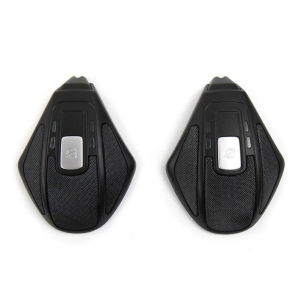
- Optional expansion microphones for extended table coverage
- Robust SIP interoperability with popular hosted platforms
- Flexible configuration with multi‑unit connectivity and Polycom HDX integration
- Single 10/100 Mbps Ethernet port
- Web‑based configuration for easy provisioning
- Supports FTP, TFTP, HTTP, and HTTPS for firmware and configuration
- Powered by 802.3af PoE, optional PoE injector, or included power supply kit
- Factory‑installed device certificate
- Works seamlessly with SIP hosted platforms and IP PBX systems
Specifications
- Display: 248 × 68 pixel backlit LCD
- Audio: HD Voice, wideband, AGC
- Connectivity: 10/100 Ethernet, SIP
- Expansion: Optional IP 7000 expansion microphones
- Coverage: Up to 20‑ft pickup, midsize to large rooms
- Color: Charcoal Gray
- Form factor: Tabletop professional design
Compatibility
- SIP‑compatible hosted service providers (8×8, RingCentral, Dialpad, GoTo Connect, Zoom, etc.)
- SIP‑compatible IP PBX systems
- Compatibility varies by provider; confirm with hosted platform or PBX documentation
Includes
- SoundStation IP 7000 Conference Phone
- 25‑ft network cable
Equivalent Part Numbers
- Polycom IP 7000
- 2200‑40000‑001
Documentation
Refer to the SoundStation IP 7000 Quick Start Guide for setup and configuration instructions.